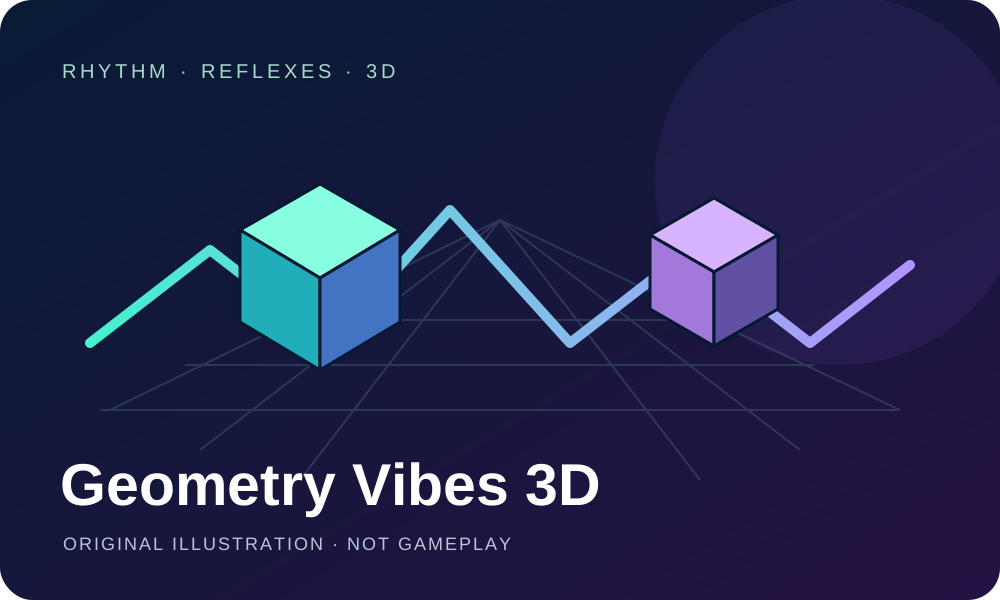
Geometry Vibes 3D brings the Geometry Vibes format into a three-dimensional setting. The gameVgames title, hosted by GameMonetize, focuses on quick reactions and rhythm-based skills across redesigned levels.
Play solo or choose the two-player option. On desktop, player one uses W, Space or the left mouse button; player two uses the Up Arrow in two-player mode. The provider describes tapping the screen to jump on mobile.
Start with one control method and watch the level ahead. Follow the instructions inside the player for the current game flow. The controls and mobile support described here come from the provider; gameplay, sound and touch controls have not been independently tested on this site.
Select Play and let the hosted game load. Read its instructions and choose the available solo or two-player option.
Choose your controls
Player one uses W, Space or the left mouse button. In two-player mode, player two uses the Up Arrow. On mobile, the provider says to tap the screen to jump.
Watch the timing
Keep your attention on the level ahead and make deliberate inputs. Use the game's own prompts to understand how each attempt progresses.
🤔 Frequently Asked Questions
Is this a music-mixing game?
The provider categorizes it as an arcade game focused on timing and reflexes. This guide does not describe a song editor or character-based music mixer.
Can I play on a phone?
GameMonetize marks the game as mobile-ready and describes tapping to jump. Touch controls and compatibility with individual devices have not been tested on this site.
Who provides the embedded game?
Geometry Vibes 3D is credited to gameVgames and hosted by GameMonetize. The provider controls the game, its loading and any advertising; ad frequency has not been measured here.
✨ Key Features of Geometry Vibes 3D 🎶
Three-dimensional levels
The provider describes a 3D version of Geometry Vibes with redesigned levels built around reflexes and rhythm-based skills.
Solo or two players
The listing supports single-player and two-player play, with separate keyboard inputs for player one and player two.