Sprunki is a fan-made music-mixing game inspired by Incredibox. Drag sound icons onto the characters to bring different beats, melodies, voices and effects into a shared performance. Rather than following a finished song, you choose the lineup and listen to how its parts work together. Start with a clear rhythm, add a melodic layer, then try another sound to change the mood. A busy mix is not always a better one: leaving room between contrasting sounds can make a favorite part stand out. Explore the icons, compare combinations and build a mix you enjoy hearing again.
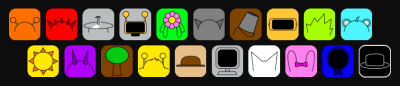
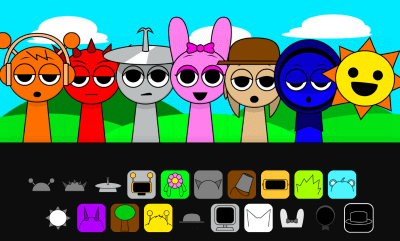
Look at the two rows of icons below the performers. They are your sound choices, not notes on a musical score. Try one at a time first so you can recognize which sounds provide rhythm, melody or a distinctive effect.
Bring a character into the mix
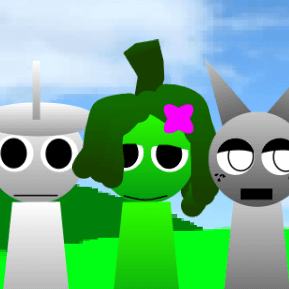
Drag a sound icon onto an available gray performer. The character changes appearance and adds its part to the performance. Begin with a small lineup so it is easier to hear what each new character contributes.
Build a layered arrangement
Add another sound and listen to it alongside the parts already playing. A beat can give a melody a steady foundation; a voice or effect can change the character of the mix. You do not need to use every available slot.
Compare one change at a time
Try a different sound combination while keeping a favorite part as your reference. Listen before making the next change. Comparing a simpler lineup with a busier one helps you notice when an added sound supports the mix or overwhelms it.
Give yourself a mixing challenge
Choose a small goal, such as making a rhythm-led mix or putting a melody in the foreground. Then build another arrangement with a different mood. Changing your goal gives familiar sounds a new role without needing a prescribed song to copy.
🤔 Frequently Asked Questions
Is Sprunki the same as Incredibox?
No. Sprunki is a fan-made music game inspired by Incredibox, not an official Incredibox release. It uses the familiar idea of combining character-based sounds, but its characters and musical material give it a distinct identity.
How should I start my first mix?
Pick one rhythmic sound and listen to it, then add a melody or voice. Add further layers gradually. This makes it easier to hear the effect of each choice than starting with a crowded stage and trying to work out every sound at once.
Do I need music experience?
You do not need to read music to use the drag-and-drop controls. Start by noticing which sounds repeat a beat and which carry a tune. Let your own listening guide the combinations; there is no need to reproduce a particular song.
Is Sprunki free to play here?
The game is available to play on this page for free. Use the game’s start control to load the player; you do not need to install a separate game app. This page’s related-game cards open other titles with their own instructions.
What if the game or sound does not work on my device?
Use a current browser and wait for the player to finish loading. Check that the tab and device are not muted, and interact with the game to allow audio to start. Browser settings and graphics support can affect loading and controls, especially on smaller devices.
Can I share a mix with a friend?
The page’s sharing controls share the game link, not a saved audio recording or the exact character lineup. To compare ideas, send the link and describe the sounds you chose. Do not assume a shared page link will reopen your current arrangement.
Are all Sprunki versions alike?
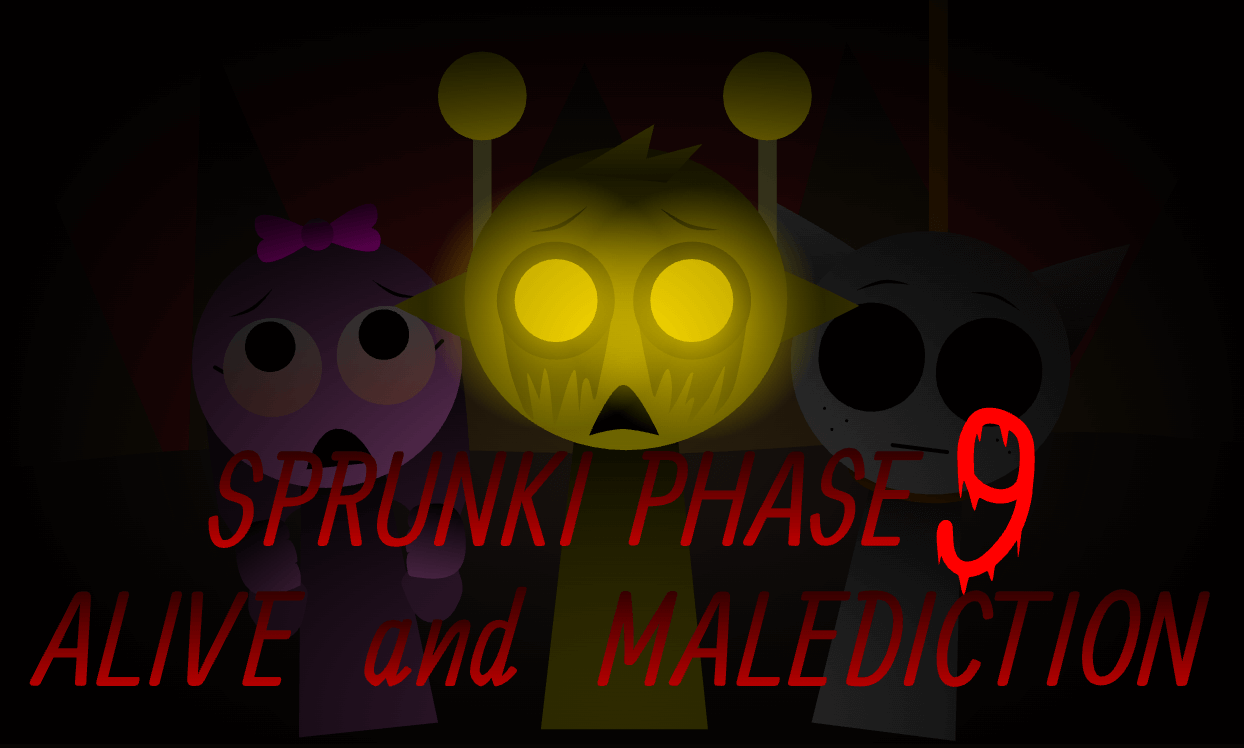
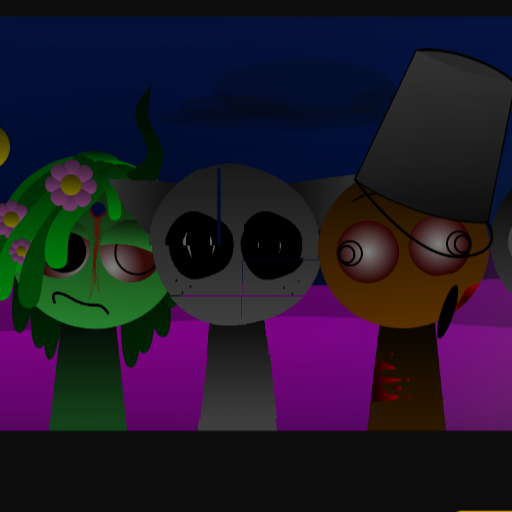
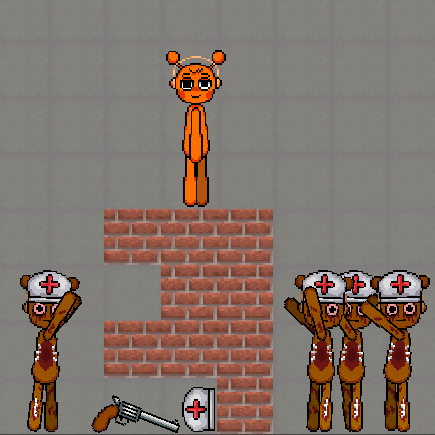
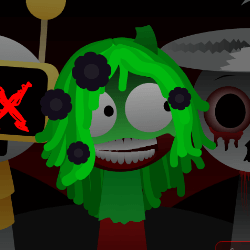
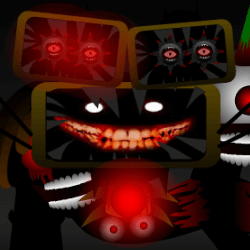
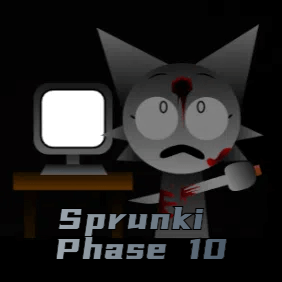
No. The related games include different fan-made versions with their own characters, sounds and themes. Some Sprunki games contain horror imagery or unsettling audio, so preview the content before choosing one for a younger player. Instructions for one version may not apply to another.
✨ Key Features of Sprunki 🎶
Drag-and-drop music making
Sound icons connect directly to the performers on screen. You can begin experimenting without reading notation or entering a sequence of notes, while the resulting lineup makes your sound choices visible.
Several kinds of musical layers
Beats, melodies, voices and effects serve different purposes in an arrangement. Listen for the repeating pulse, the tune you remember and the sounds that add texture, then decide which parts you want to emphasize.
A visual cast of performers
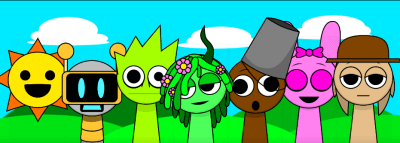
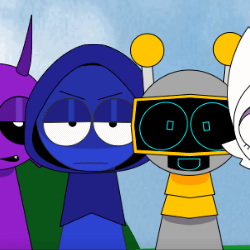
The colorful character designs give the sound choices a visual identity. Matching an icon to its performer can help you remember a combination you liked and recognize which parts are already in your lineup.
Room for different approaches
You can build around a strong beat, a recognizable melody or an unusual effect. The same sound can feel different beside a new partner, so experimenting with the supporting parts is as useful as changing the lead.
Listen, compare and refine
Small experiments make the changes easier to hear. Try a few contrasting sounds rather than filling the stage immediately, and compare the balance of the whole mix instead of judging each part on its own.
Play from the game page
Launch the embedded game from the page to explore its sounds without installing a separate desktop app. The instructions and illustrated examples below the player are there when you want to revisit the basic mixing process.